Connecting HubSpot to the HG Platform
Last updated: December 5, 2025
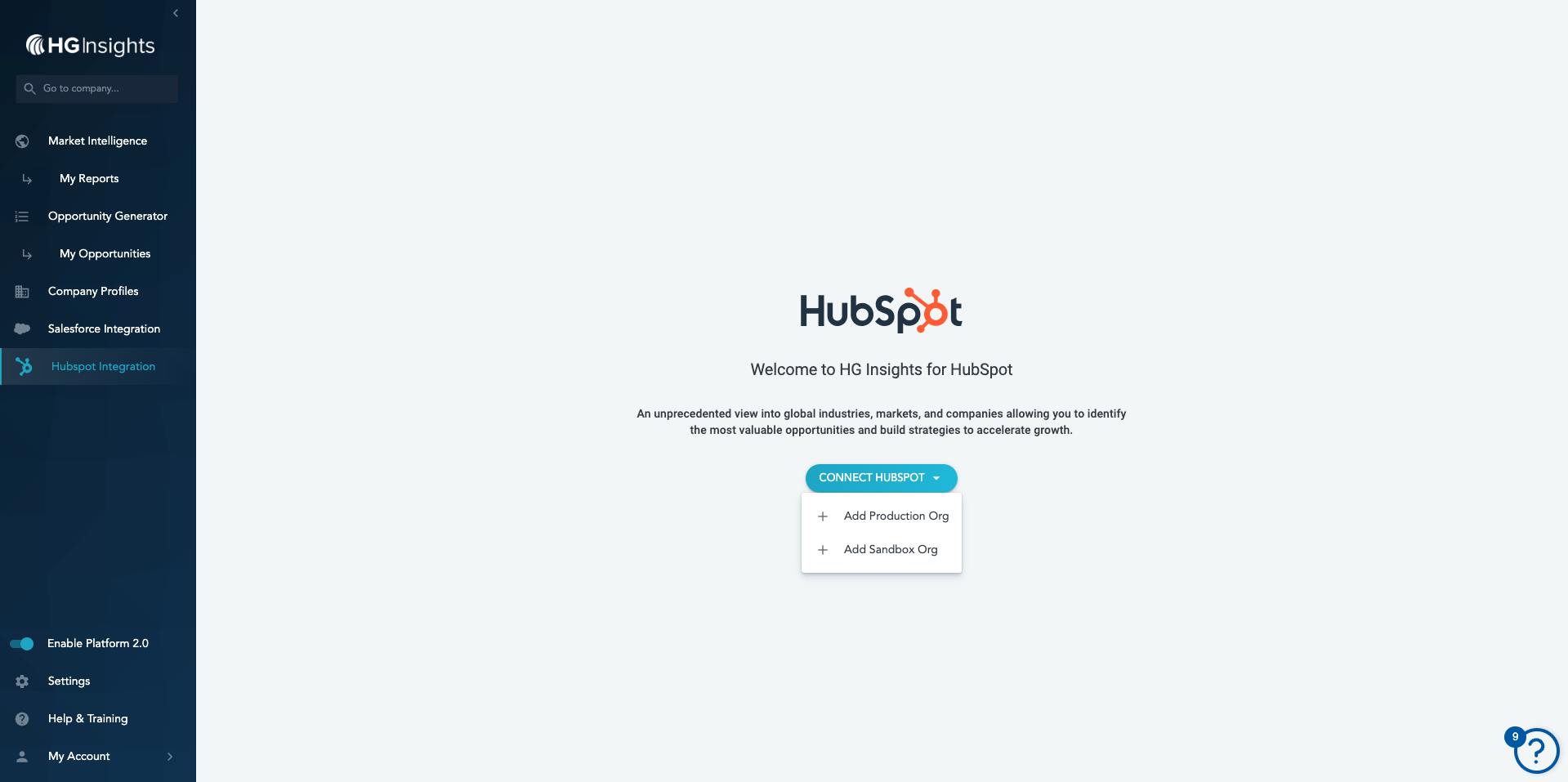
When you arrive at the HG Platform you should see the HubSpot Integration tab in the left-hand navigation. If you don't see this, please contact your CSM for access.
First, you will be asked if you'd like to add HG data to a Production or Sandbox organization. You'll be able to add and mange multiple integrations through the Platform.
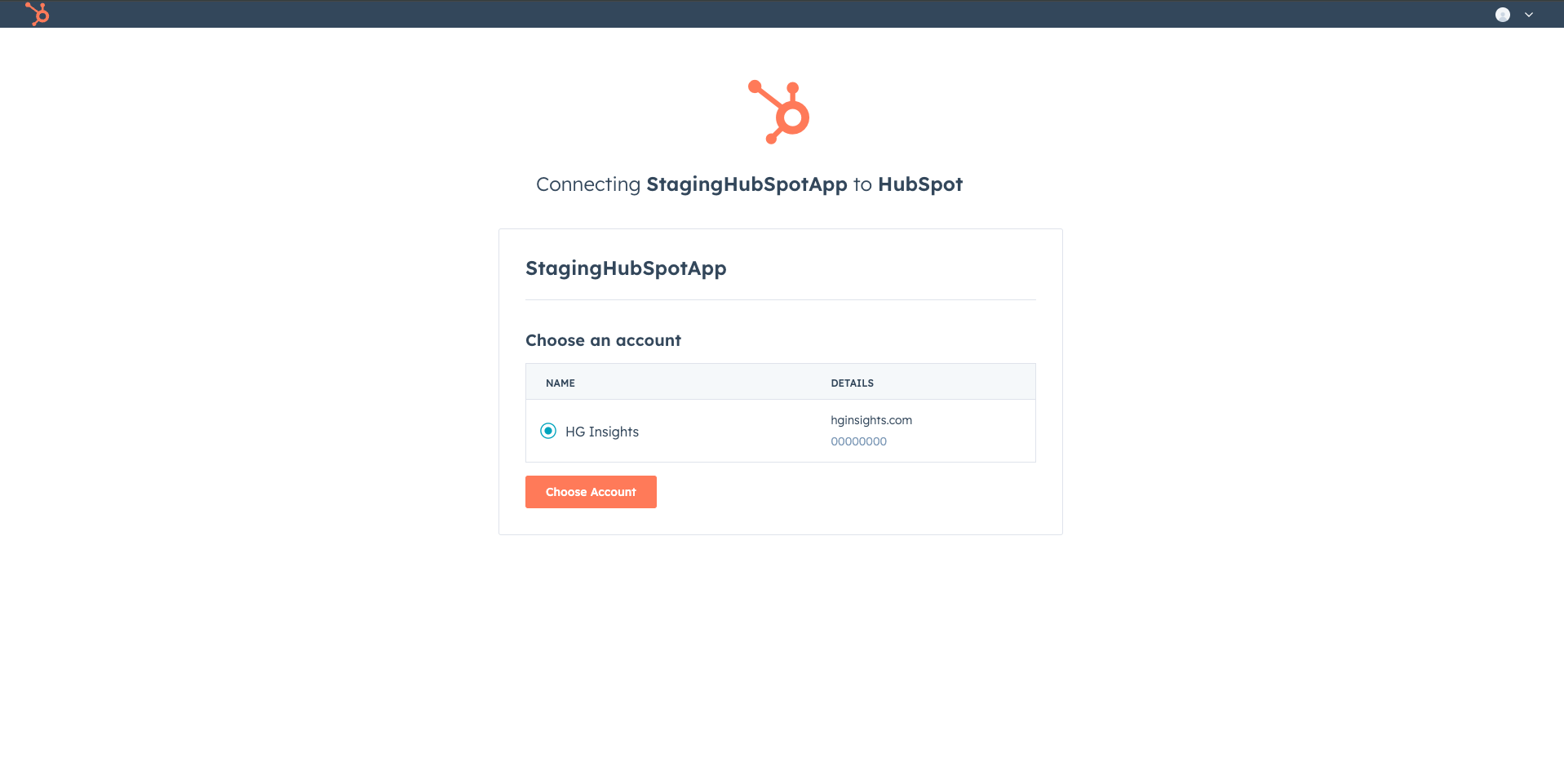
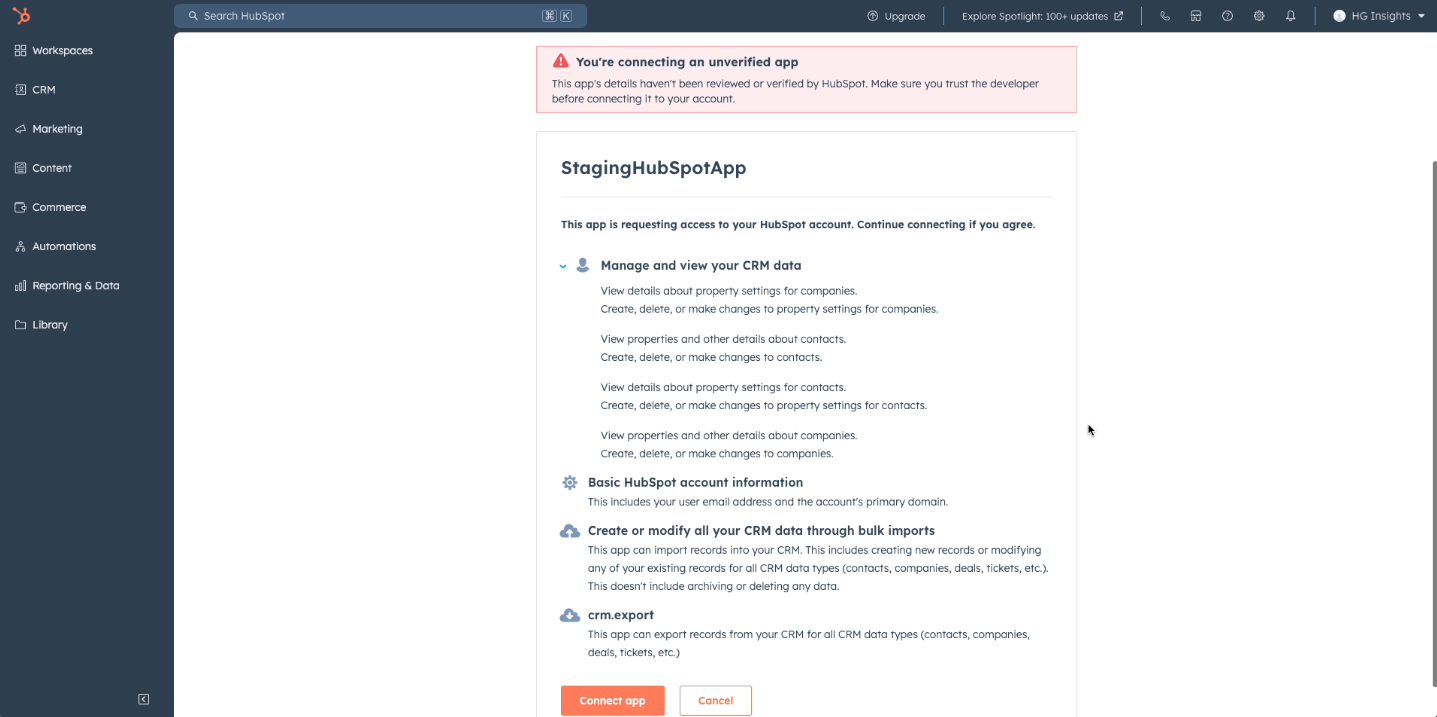
After selecting the org type, you'll be prompted to continue with the HubSpot OAuth flow. Here, we recommend a generic integration user with the minimum permissions rather than a personal account.
You'll be prompted to install during this OAuth flow, right after you choose the account to connect.
You'll see a brief loading page before being redirected back to the HG Platform to continue configuration.
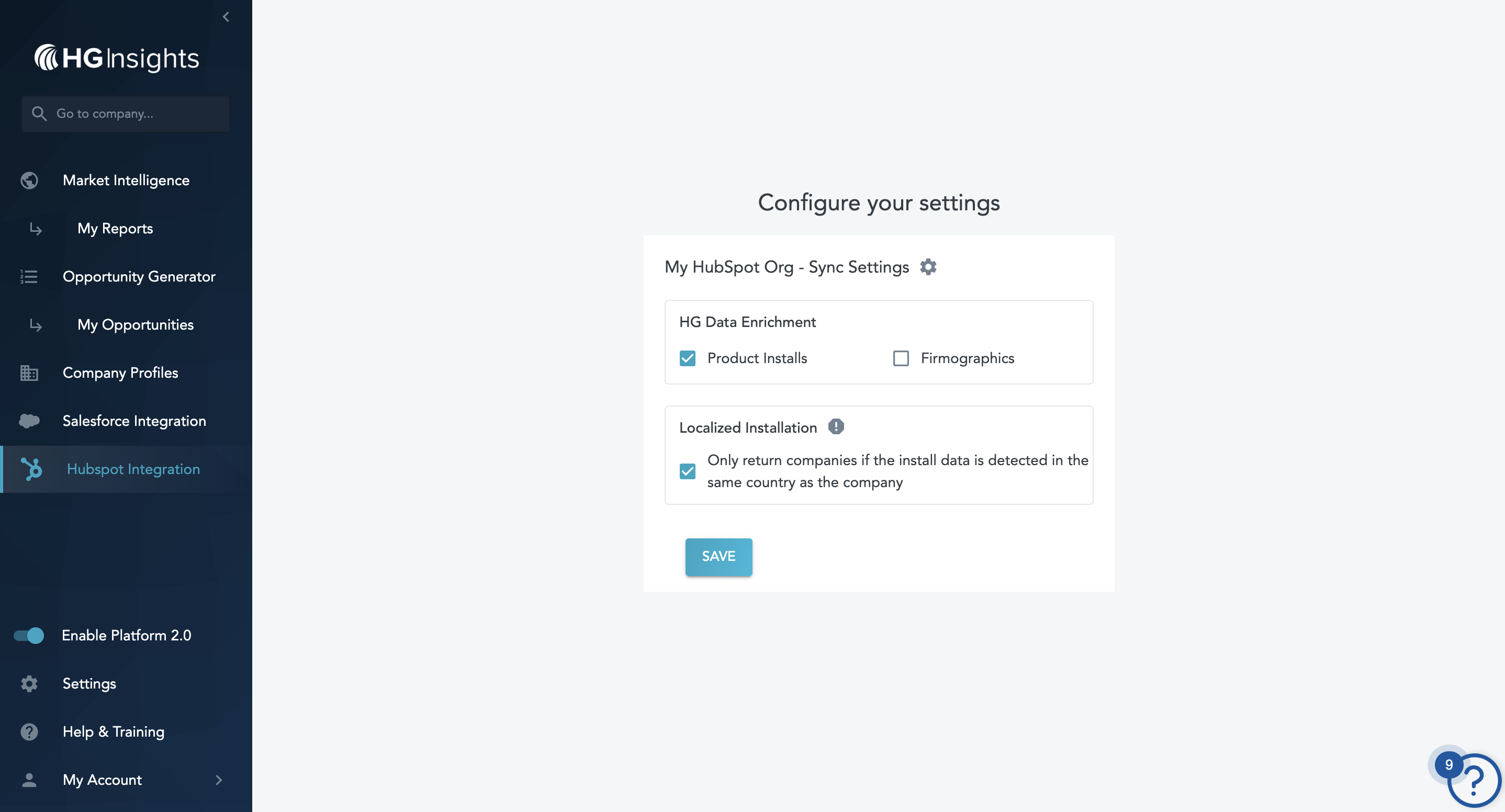
You'll then be prompted to select your settings:
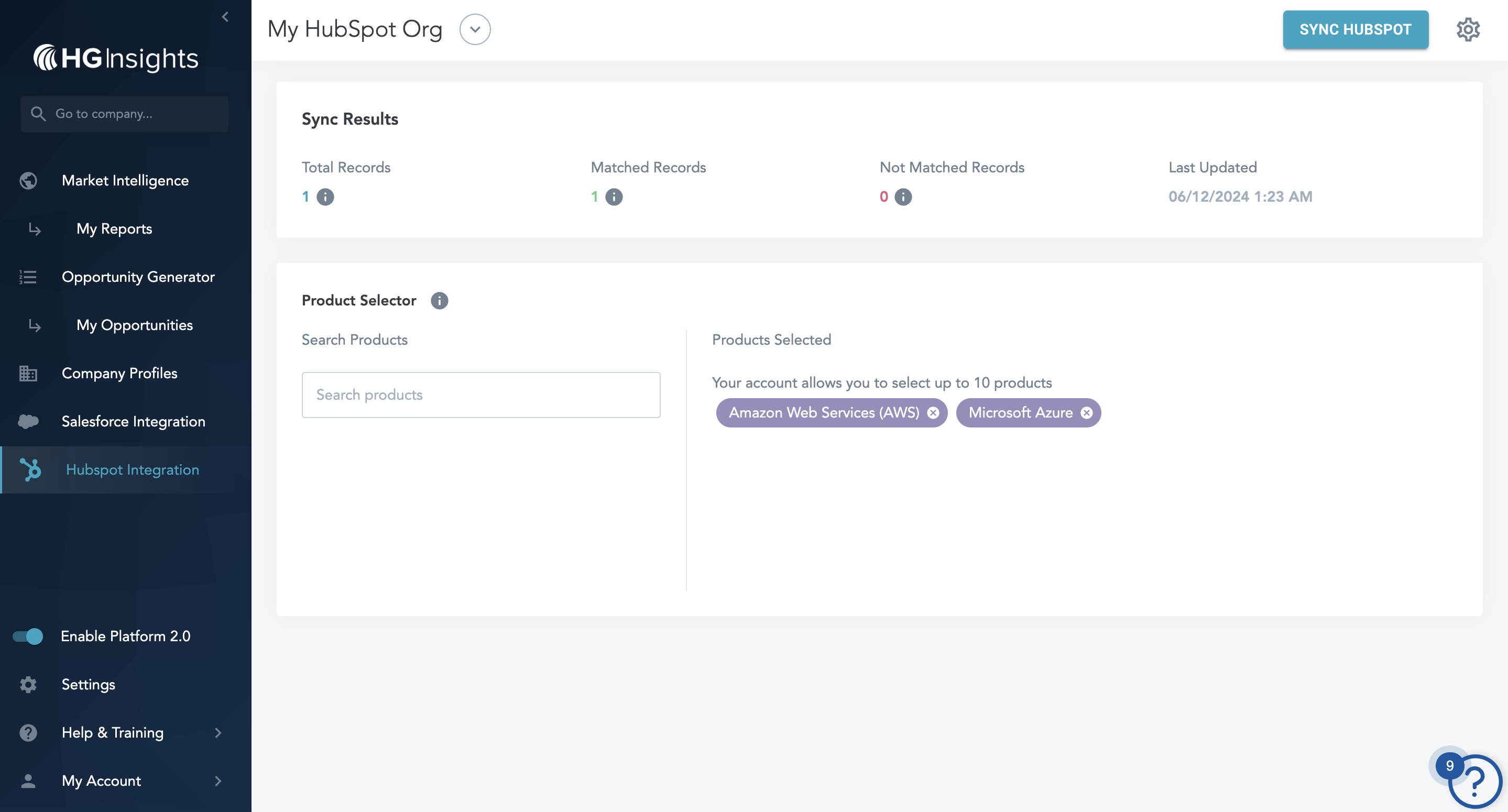
After you click Save, you'll land on the HubSpot integration page where you can:
- Configure the products you'd like to send to HubSpot
- Sync the integration
- Delete the integration
- Connect another integration
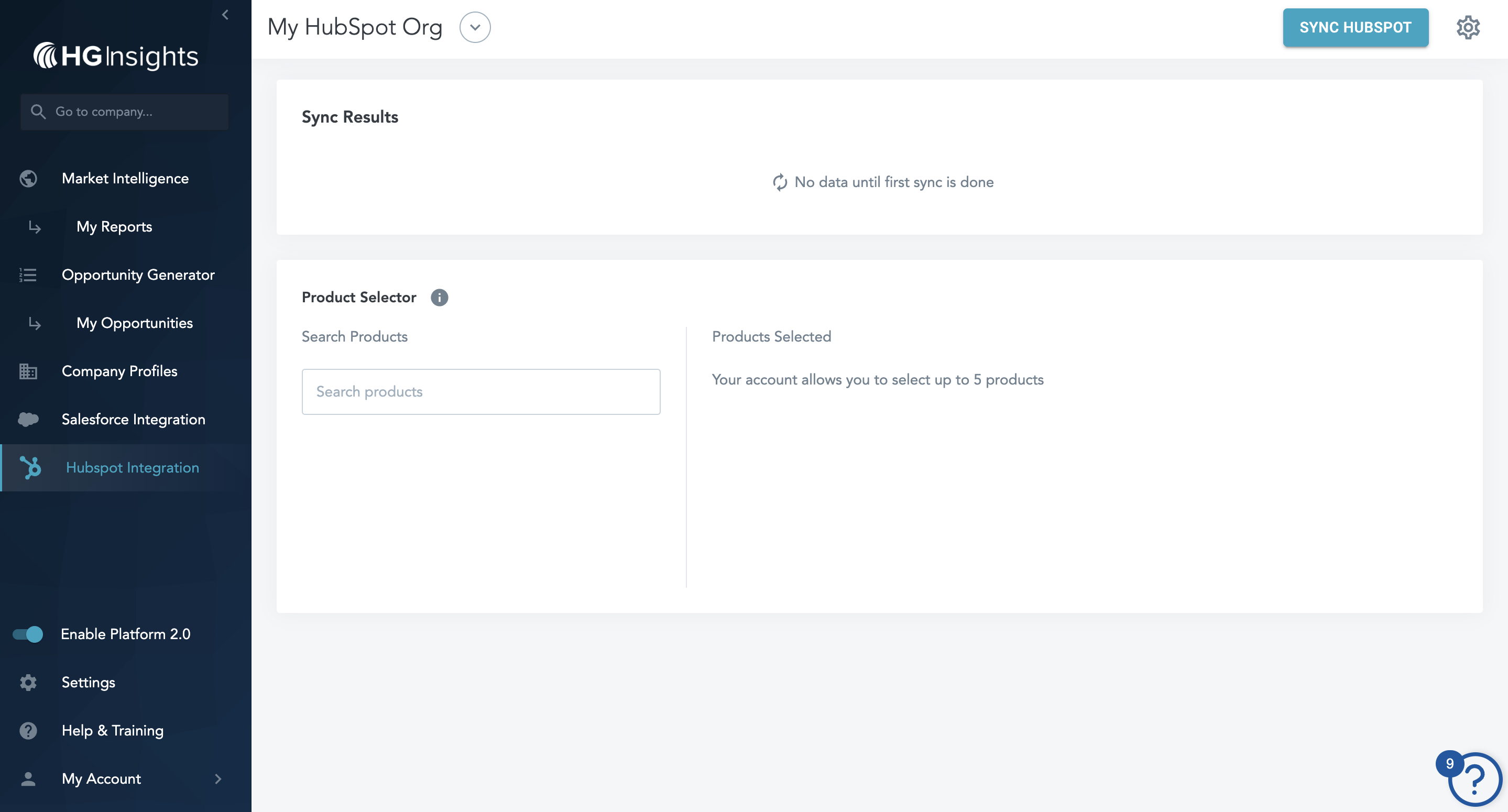
When you're ready to start enriching data, select Sync HubSpot in the top right - you must have at least one product selected to enable this button.
This step is necessary to kick off the initial data sync and the flow of nightly updates. After this initial sync, the integration will keep itself refreshed on a nightly cadence, or with any click of the Sync HubSpot button.
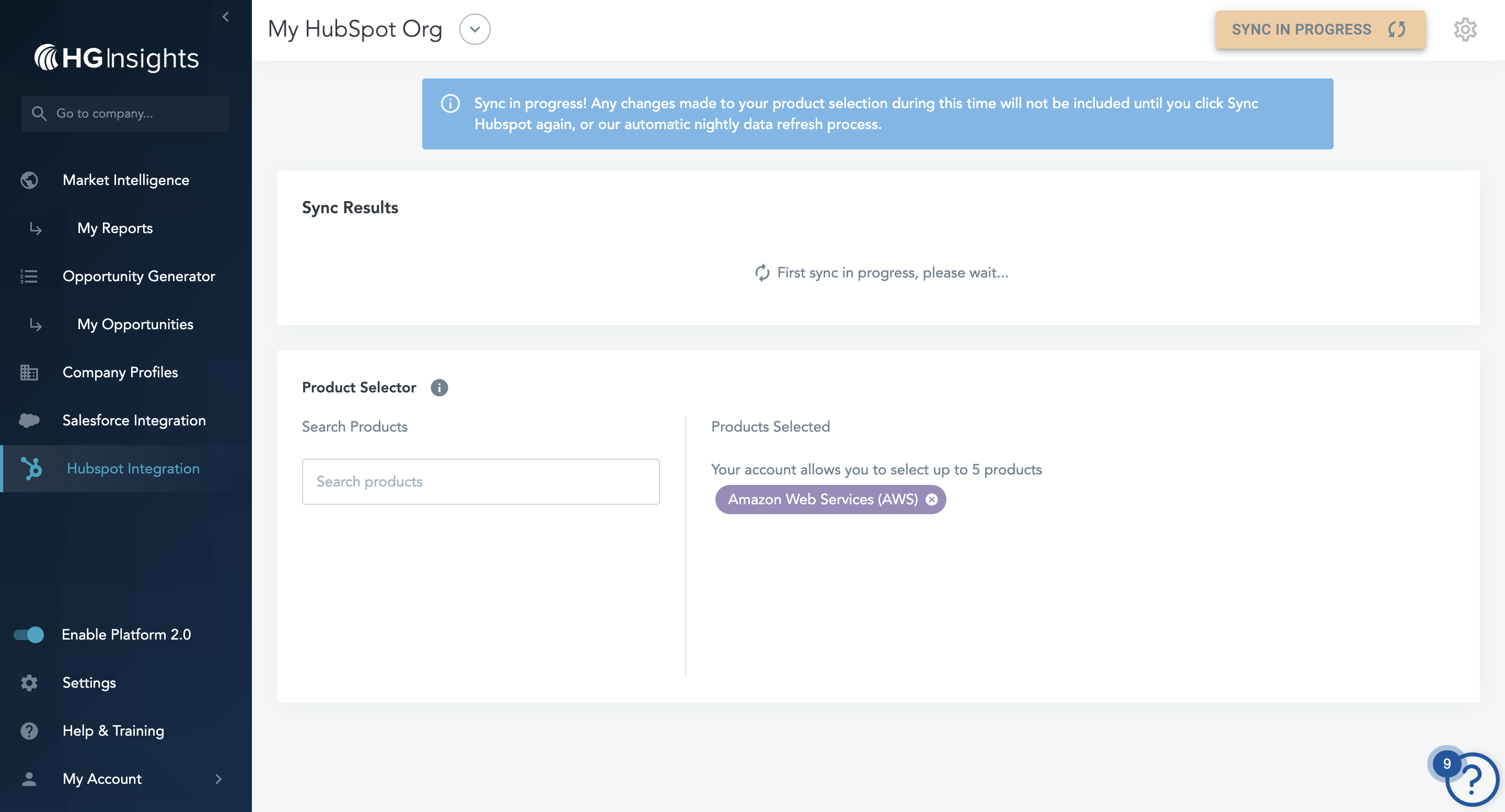
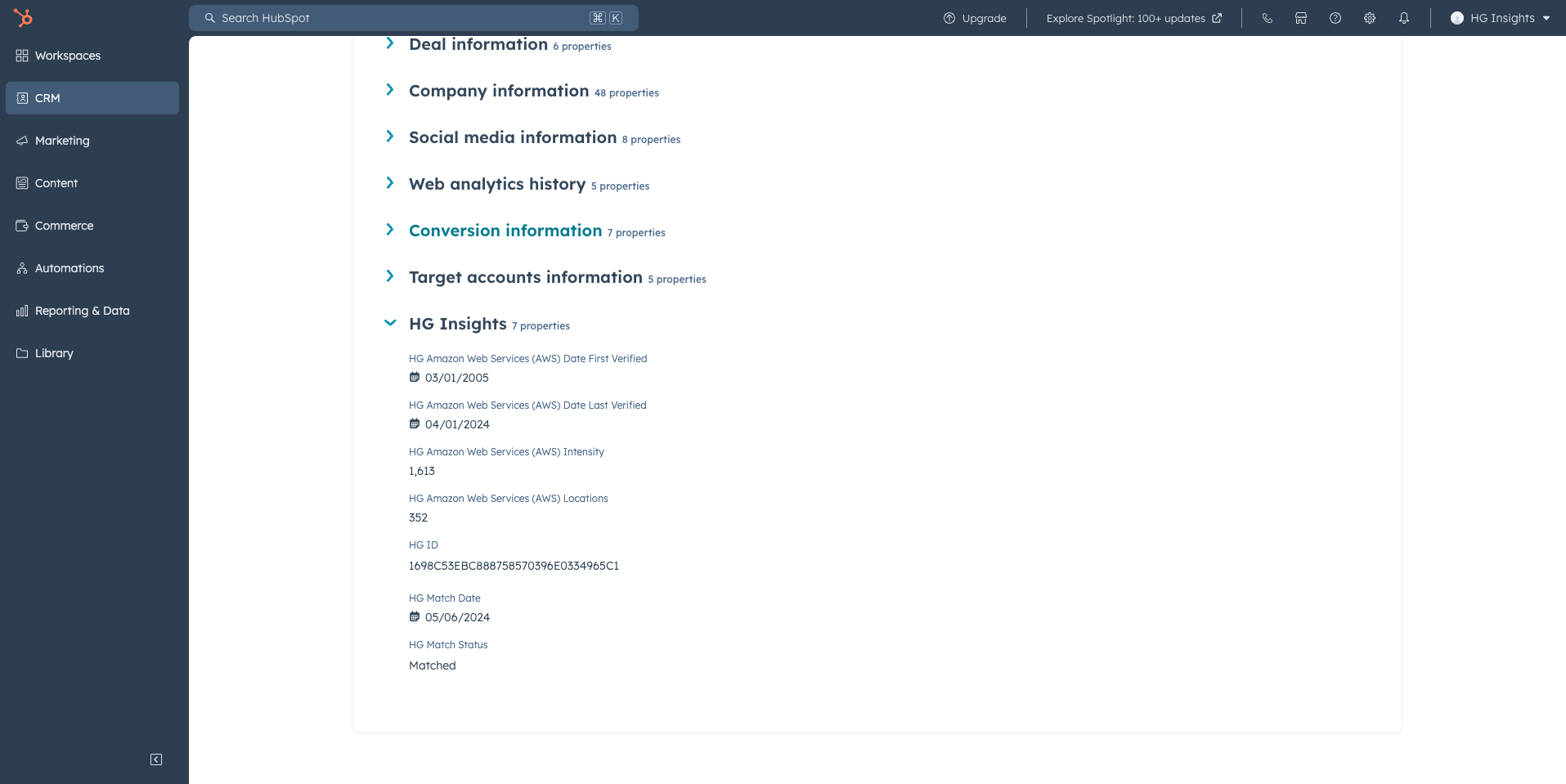
This initial sync will create HG properties dynamically on your Companies. The number of properties created will depend on the number of products you select.
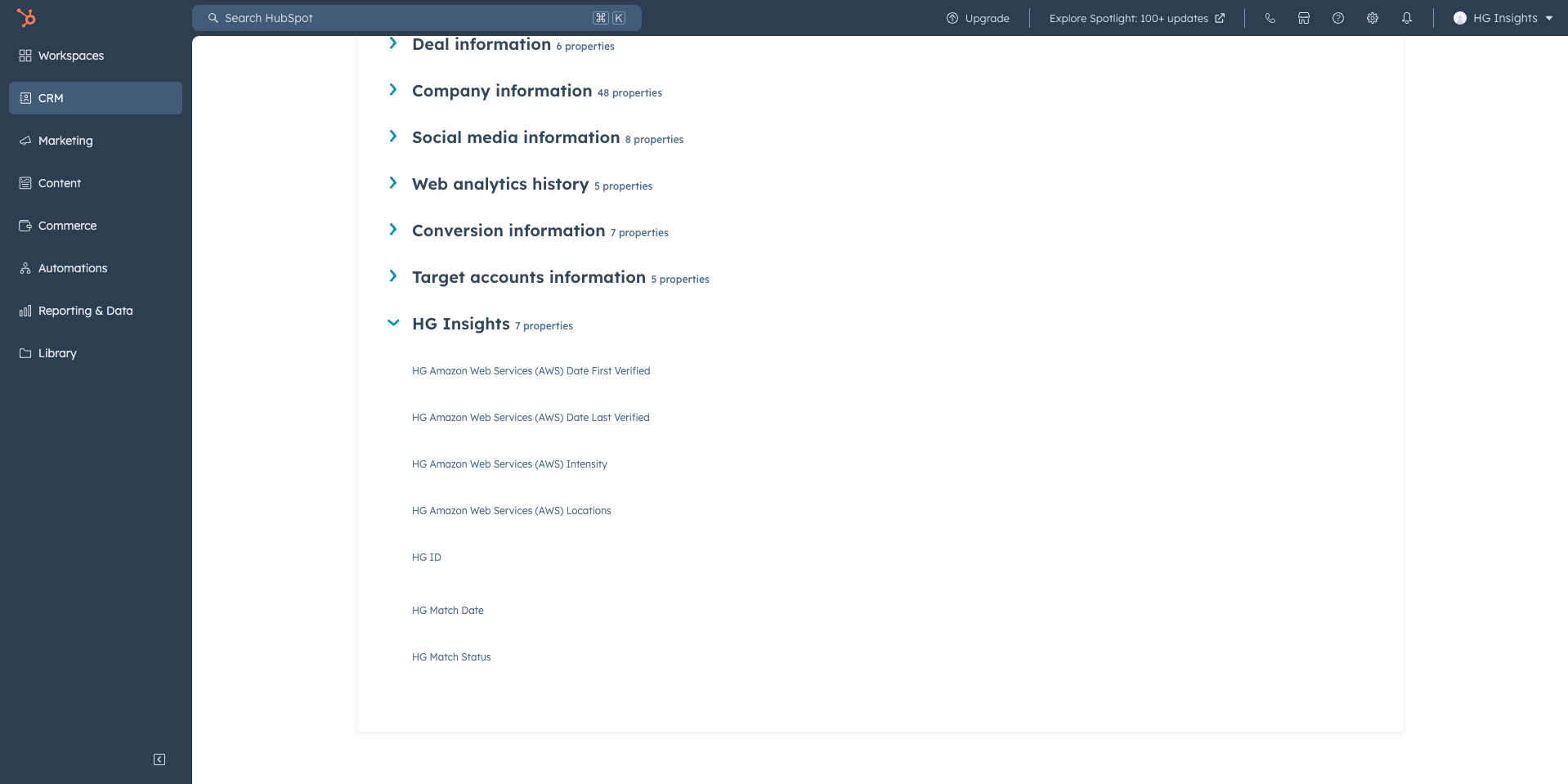
You can find these properties by selecting View all properties on a Company and viewing the HG section. These can be freely placed in cards, used in reporting, or used in automations.