Connecting to LinkedIn in the HG Platform
Last updated: December 5, 2025
The LinkedIn Connector lives in the Opportunity Generator tab of the HG Platform—no additional installation required!
If you have access to the feature you will see the CONNECT TO LINKEDIN button in the upper right of the Opportunity Generator page of Platform.
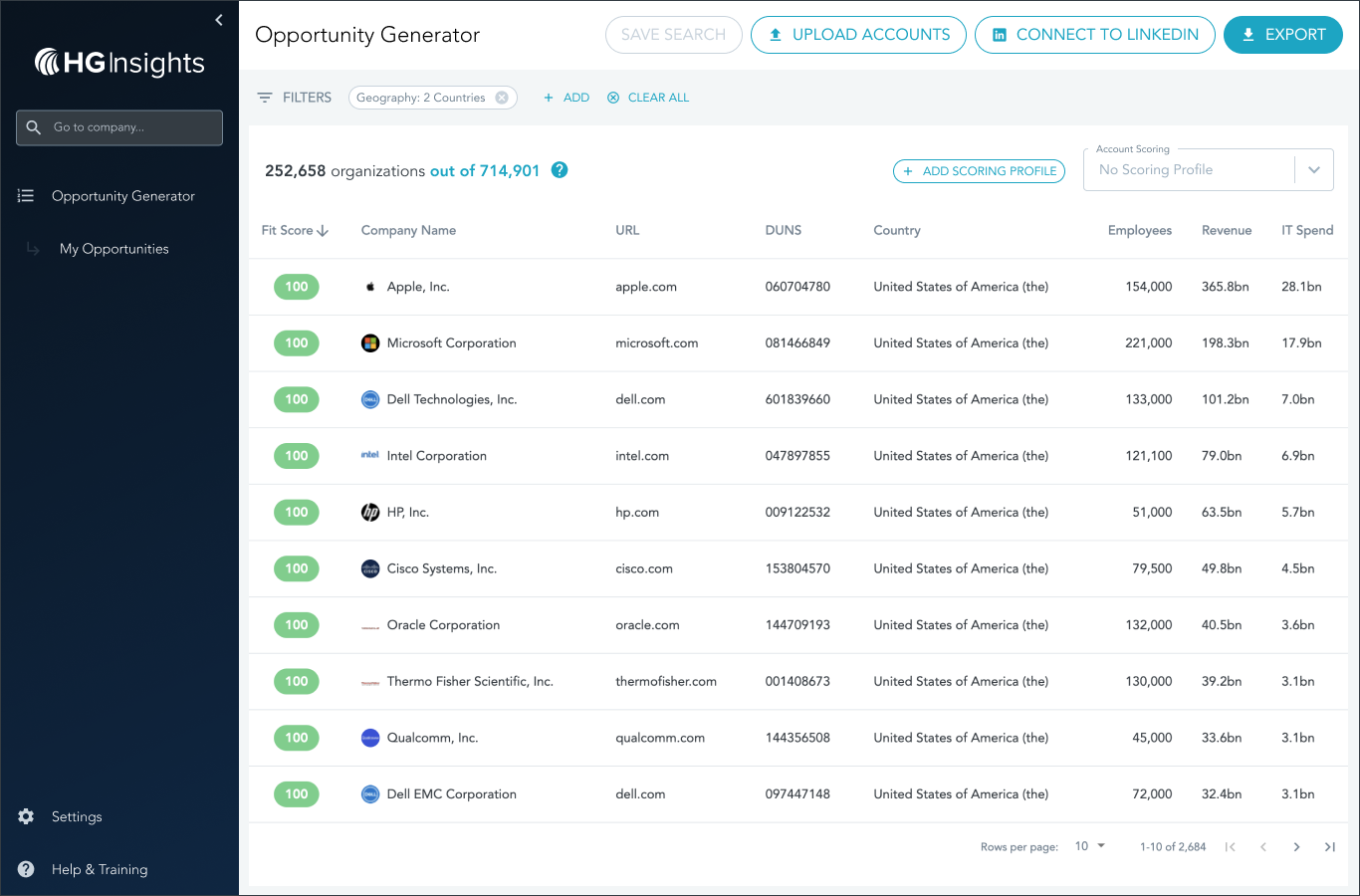
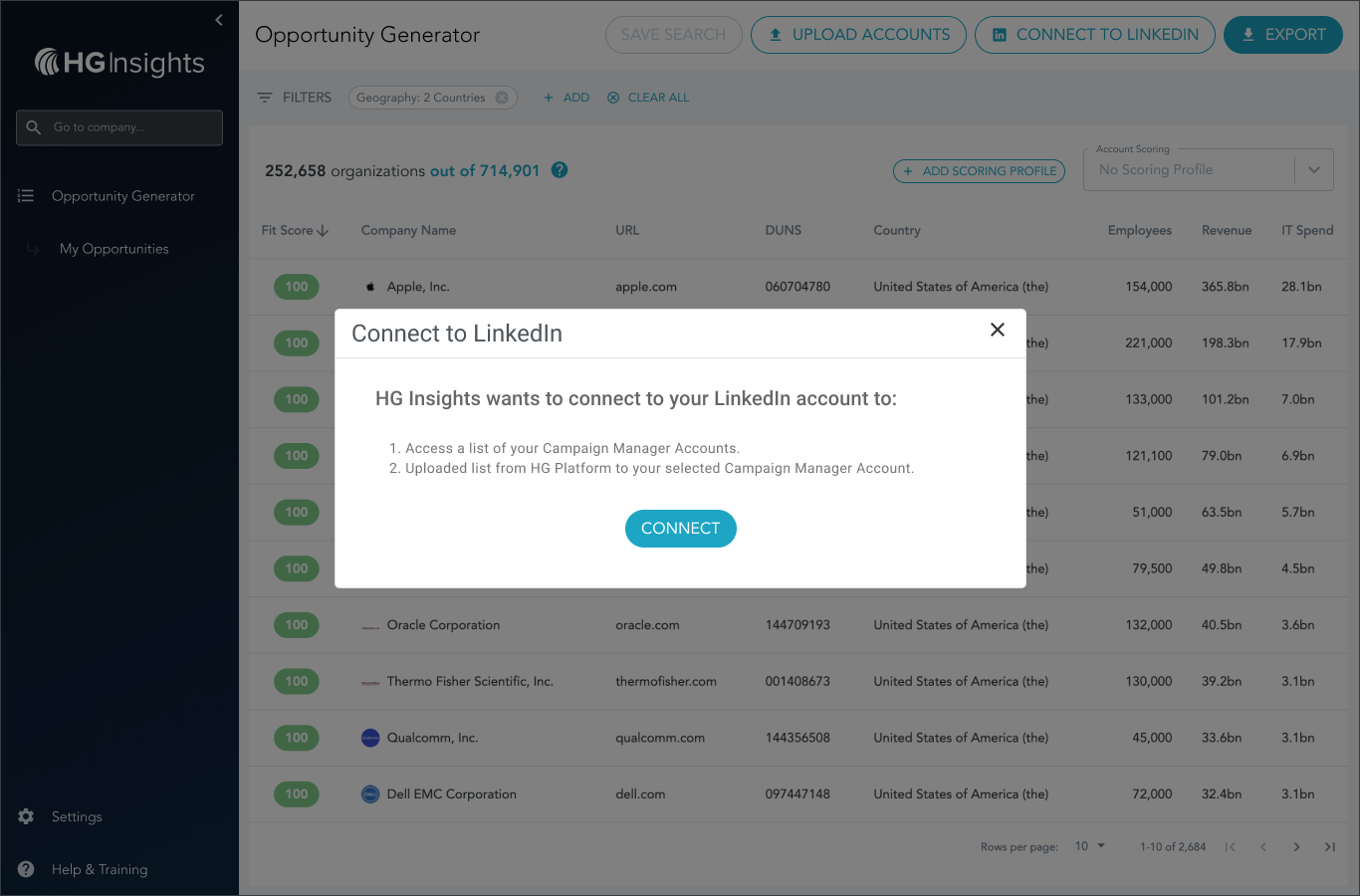
When you selct this button, you'll be asked for permission to access your LinkedIn account and Campaign Manager. Click CONNECT to give Platform the ability to access your Campaign Manager Accounts and upload a list from the HG Platform to your campaigns.
You'll now be prompted to sign in via the LinkedIn login page. After successfully completing this step you'll be rerouted back to the HG Platform where you will now see the UPLOAD TO LINKEDIN button.
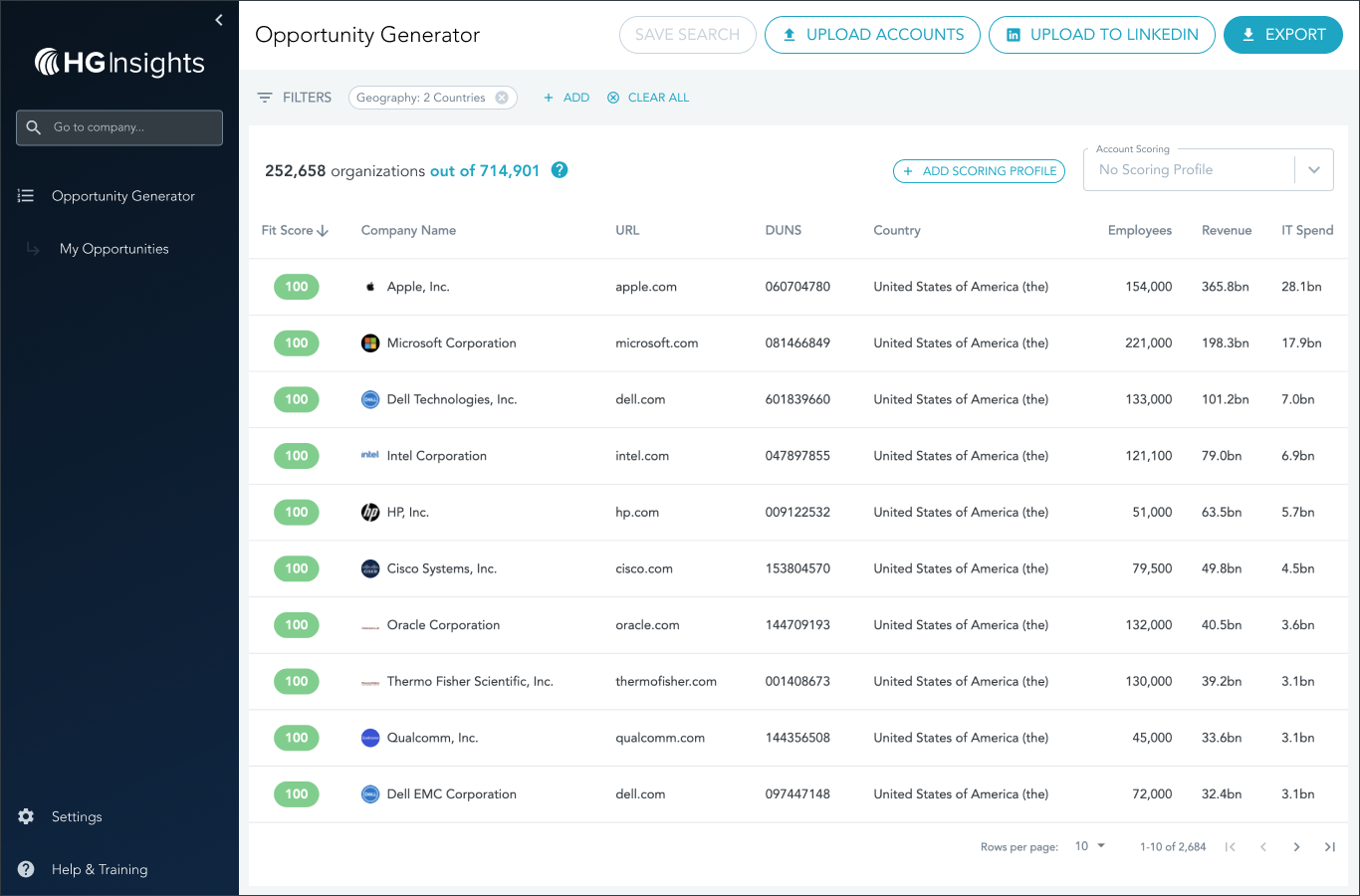
Refine your Opportunity Generator list as much as you'd like and then click UPLOAD TO LINKEDIN. To learn more about creating a list for LinkedIn Campaign Manager, please see this article.
Good luck!