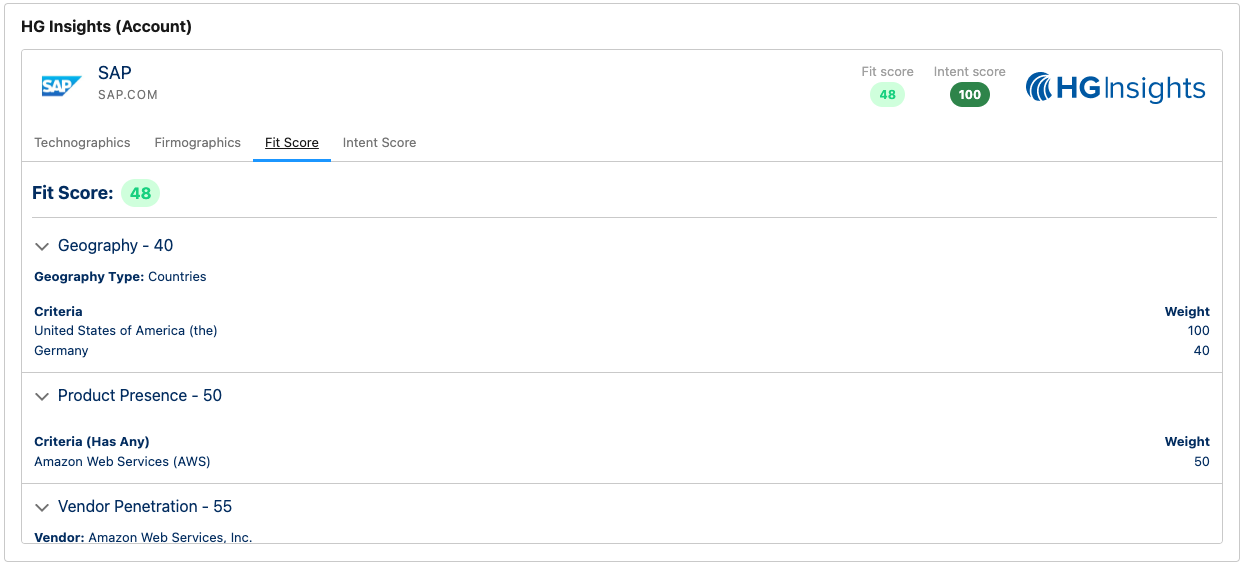
Selecting a Scoring Profile
Last updated: December 6, 2025
The Salesforce Connector allows you to enrich Account Fit and Intent scores to your Account records in Salesforce.
For more information on the exact fields please see:
At this time, the scores available for Salesforce enrichment must be set up on the Salesforce Integration configuration page. There is no connection to scores saved in Opportunity Generator or Library.
On a new integration, Account Scoring will have no score selected. To begin, you need to create a new score using the +Add button - this will open the New Scoring Profile modal.

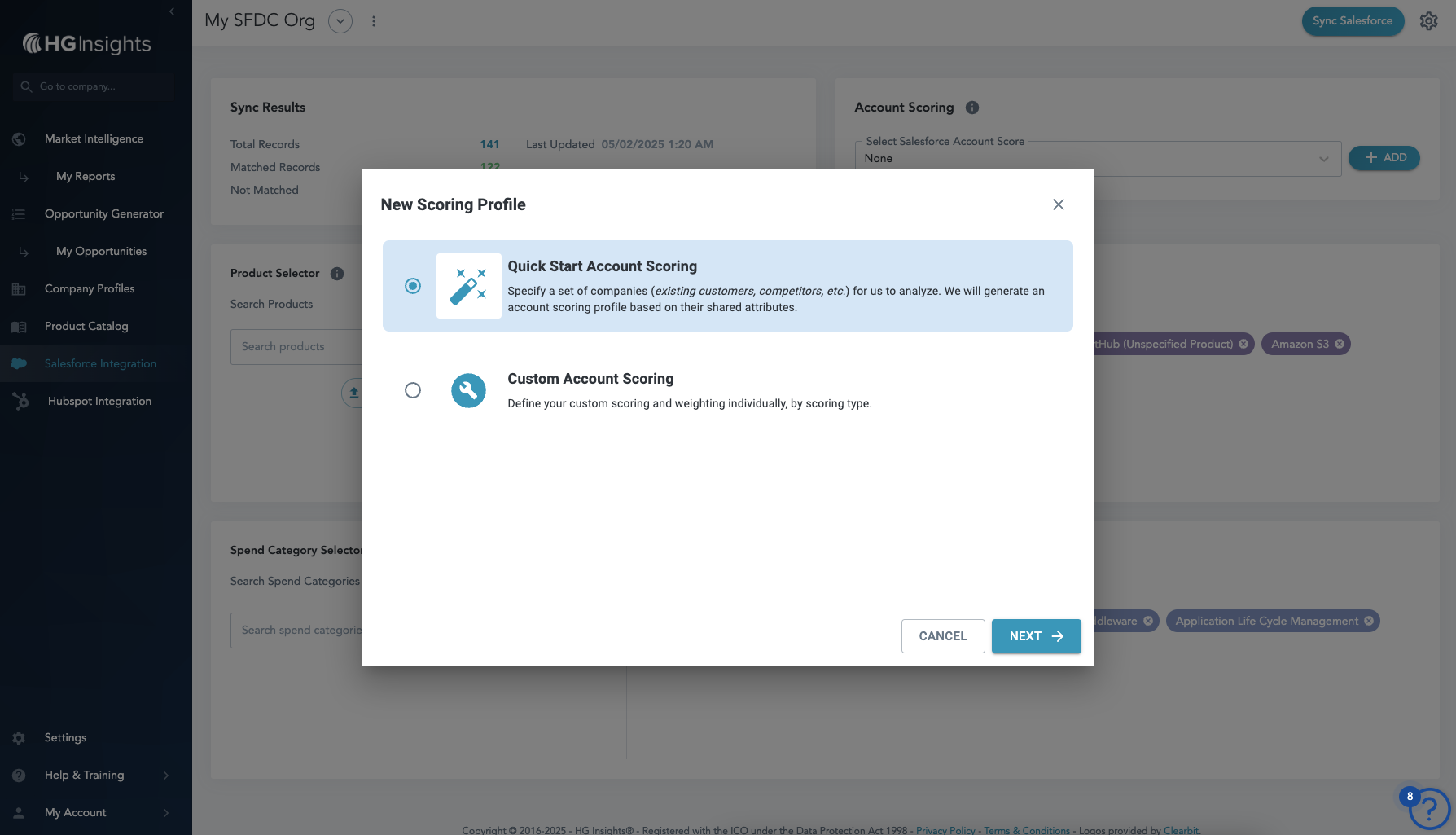
Once you have a scoring profile available, you can select it from the drop down. The following modal informs you of changes, and you will be prompted to click Sync Salesforce to push your scores into your CRM.
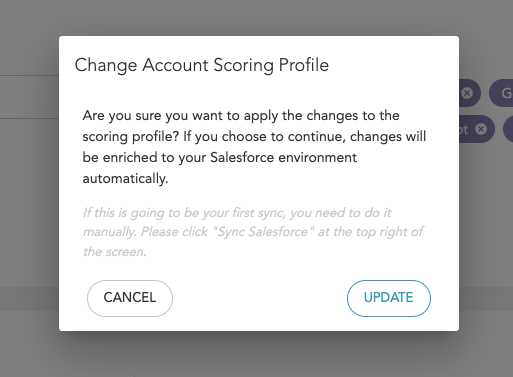

If you ever need to adjust a scoring profile, you can select the pencil icon next to the score in the drop down. Following changes, you'll be prompted to Sync Salesforce and update the changes.
Following enrichment, you will see the score within the VIsualforce Component, and will be able to surface the data in Reporting.